

Point. Highlight.
Guide your audience
Highlight your cursor, draw on screen, and direct attention exactly where you want.

*Requires macOS 15.0 Sequoia or later.
Highlight your cursor, draw on screen, and direct attention exactly where you want.
*Requires macOS 15.0 Sequoia or later.
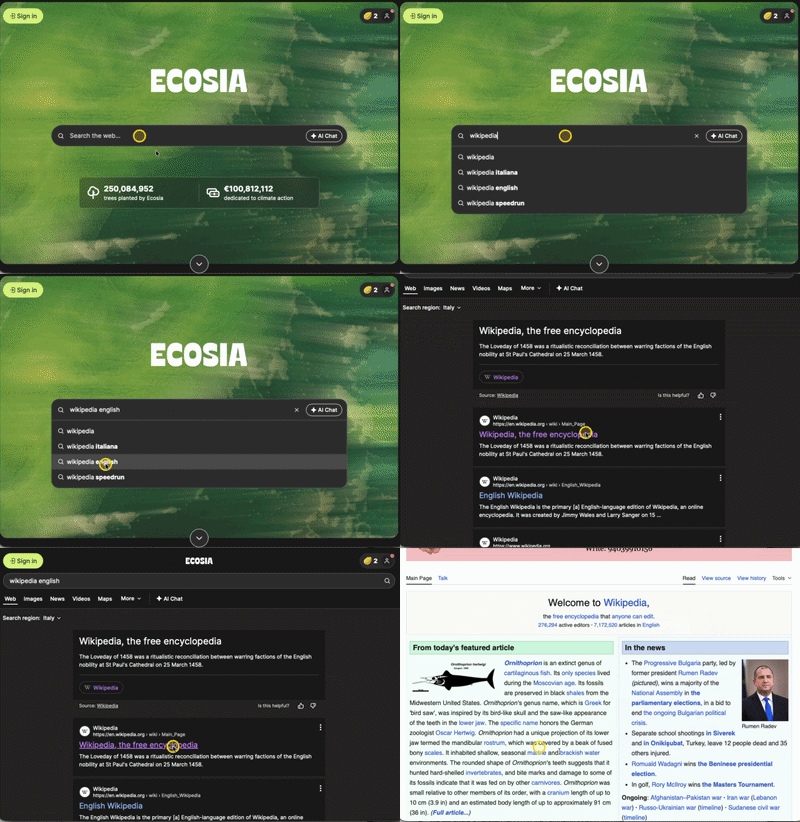
Guides your audience by making your cursor and clicks stand out. Perfect for tutorials, product demos, and live presentations.
Guides your audience by making your cursor and clicks stand out. Perfect for tutorials, product demos, and live presentations.
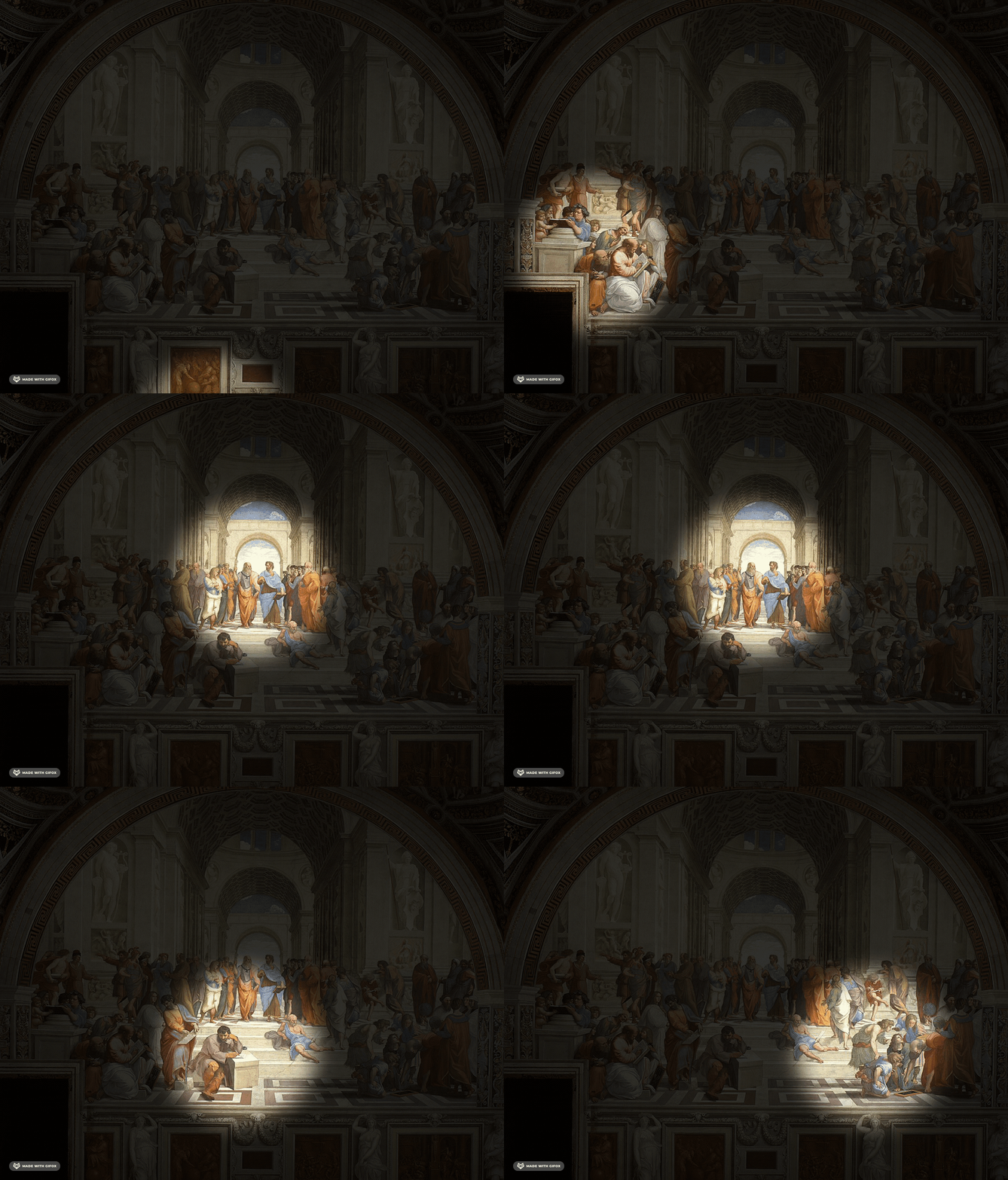
Dims the background to emphasise only what matters. Perfect for live demos, deep dives, and distraction-free presentations.
Dims the background to emphasise only what matters. Perfect for live demos, deep dives, and distraction-free presentations.

Temporarily highlights key points without leaving marks. Great for focusing attention during lectures, webinars, and presentations.
Temporarily highlights key points without leaving marks. Great for focusing attention during lectures, webinars, and presentations.
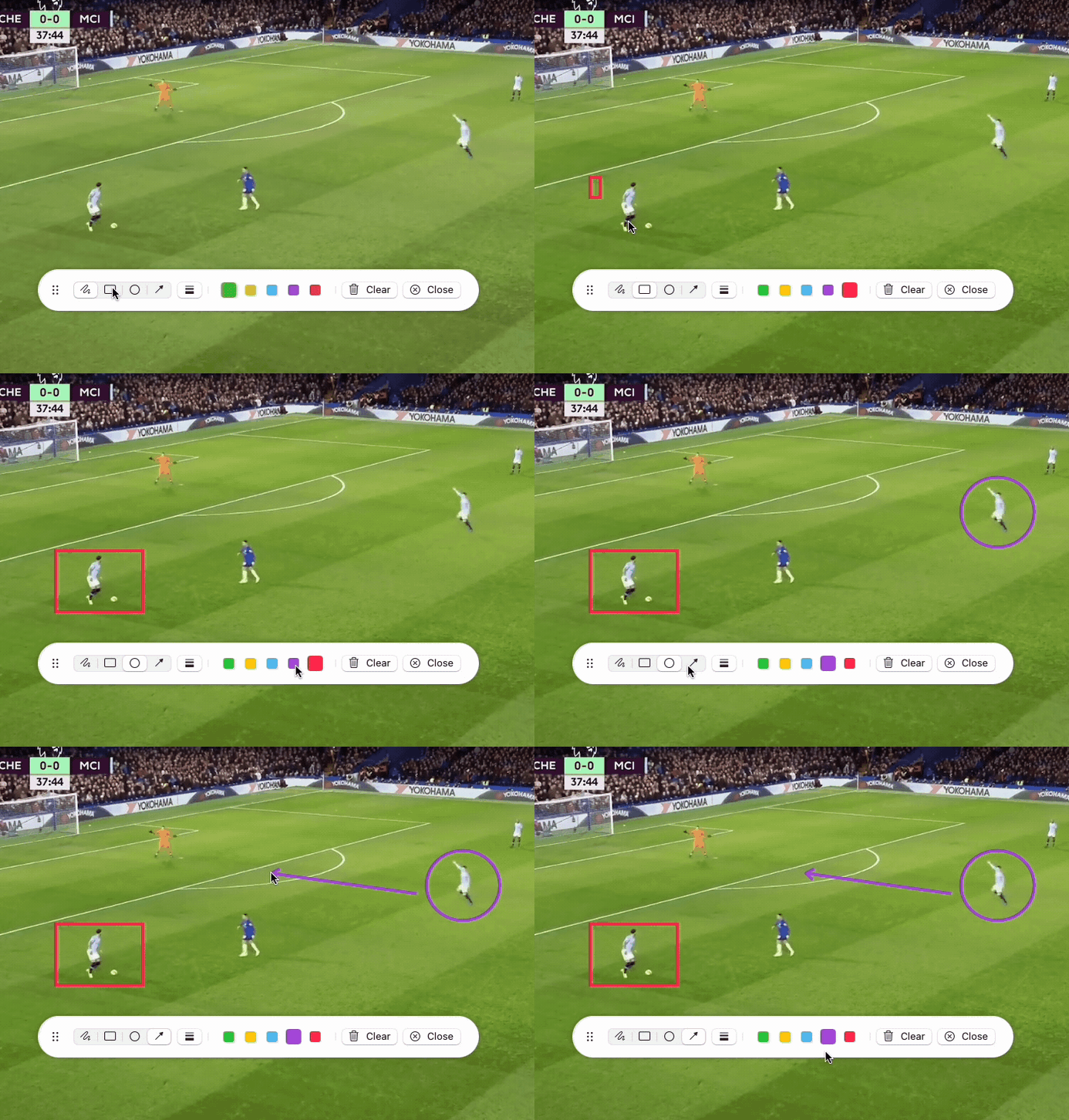
Lets you draw directly on the screen to explain ideas visually. Ideal for annotating slides, brainstorming, and interactive teaching.
Lets you draw directly on the screen to explain ideas visually. Ideal for annotating slides, brainstorming, and interactive teaching.
"I've been searching for a long time and finally found this functionality."
"Simple, easy and works like charm."
Yes! Pointerly supports global keyboard shortcuts so you can toggle tools instantly from anywhere on your Mac. The default shortcuts are:
• ⌥ H — Toggle Mouse Highlighter
• ⌥ L — Toggle Laser Pointer
• ⌥ S — Toggle Spotlight
• ⌥ W — Toggle Whiteboard
You can customize these shortcuts to any key combination you prefer in the app's Settings under the General tab.
Pointerly requires macOS 15 or later.
I built it specifically to experiment with the latest SwiftUI APIs introduced in macOS 15, so I set the deployment target accordingly from day one. That means it won't run on earlier versions of macOS — not because I don't want to support them, but because this project was more about learning and having fun with the newest tools than backwards compatibility.
I originally released the app for free as a personal learning project. However, keeping an app updated takes continuous effort, so I've transitioned to a low-cost, one-time purchase. I'm committed to keeping the price as cheap and accessible as possible, and if you already downloaded the app when it was free, it remains completely free for you with all future updates included!
I wanted a simple, visual project to experiment with macOS development. This felt like a good playground. It's not meant to compete — just something I made for fun and learning.